Apps
Grammar checking in LibreOffice Writer
Updated November 23, 2026
LibreOffice has a small English grammar checker built in, it is off by default, and Grammarly doesn’t support LibreOffice at all. Here are three ways to get real grammar checking in Writer on a Mac.
1. Turn on the built-in English checker
LibreOffice ships Lightproof, a small rule-based English checker.
- Open LibreOffice › Settings (Preferences on older versions; Tools › Options on Windows and Linux).
- Go to Language Settings › Writing Aids.
- Tick Lightproof grammar checker (English) and Check grammar as you type.
- Optional: under Language Settings › English Sentence Checking, turn on more rules.
It is free and offline, but has only a handful of rules, so it misses most mistakes.
2. Connect LanguageTool
Since version 7.4, LibreOffice can use a LanguageTool server for grammar checking:
- Open Language Settings › LanguageTool Server and tick Enable LanguageTool.
- Keep the default address to use LanguageTool’s cloud (add a username and API key for Premium), or enter your own server’s address.
- In Writing Aids, turn on LanguageTool Remote Grammar Checker.
With the default address, your documents go to LanguageTool’s servers. To keep them local, run the open-source LanguageTool server yourself, or install WritingTool, the free extension that replaced the old LanguageTool extension and runs LanguageTool locally (it needs Java 17 and LibreOffice 24.2 or later). See LanguageTool vs Grammarly.
3. Use Meboki for AI grammar fixes
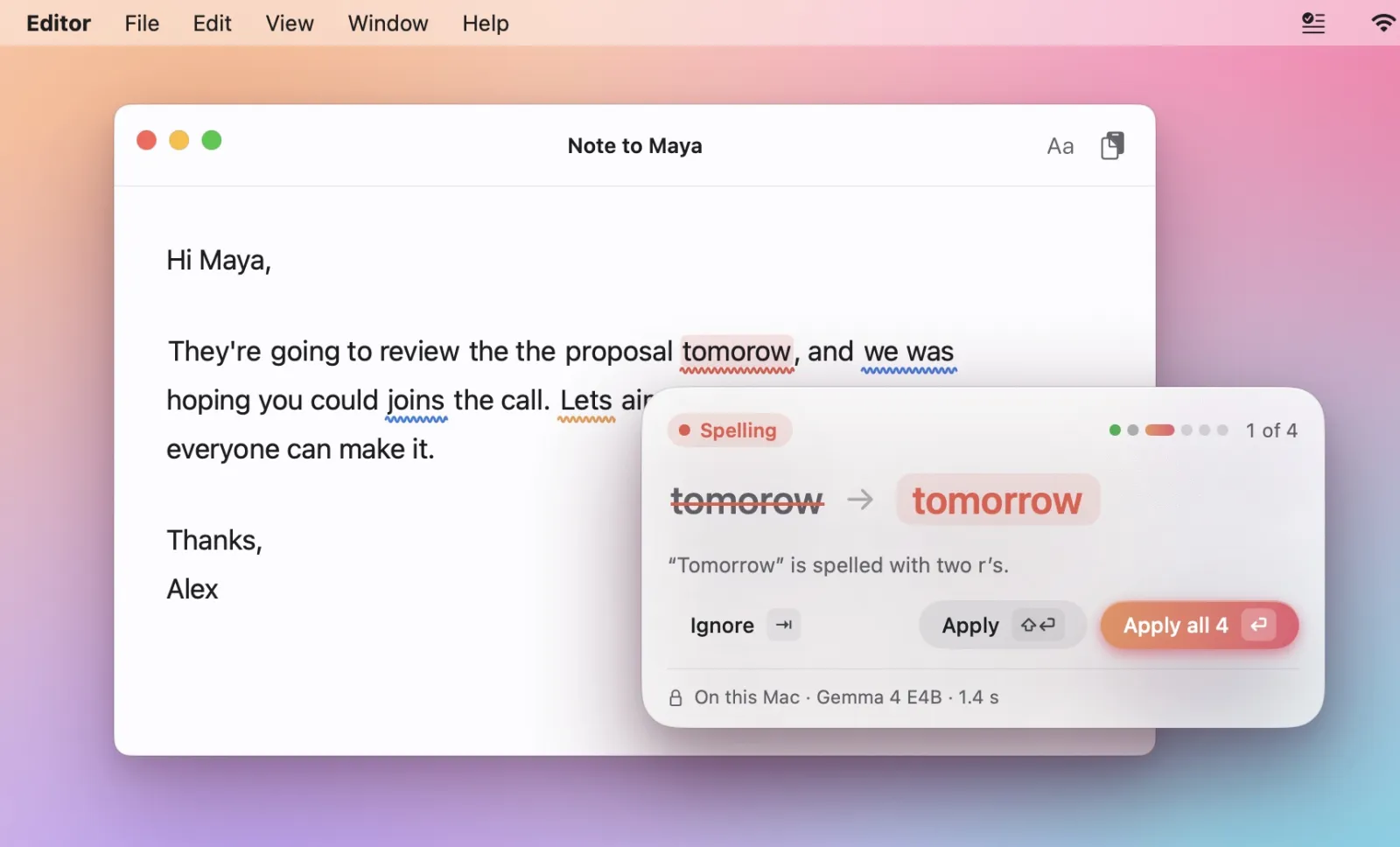
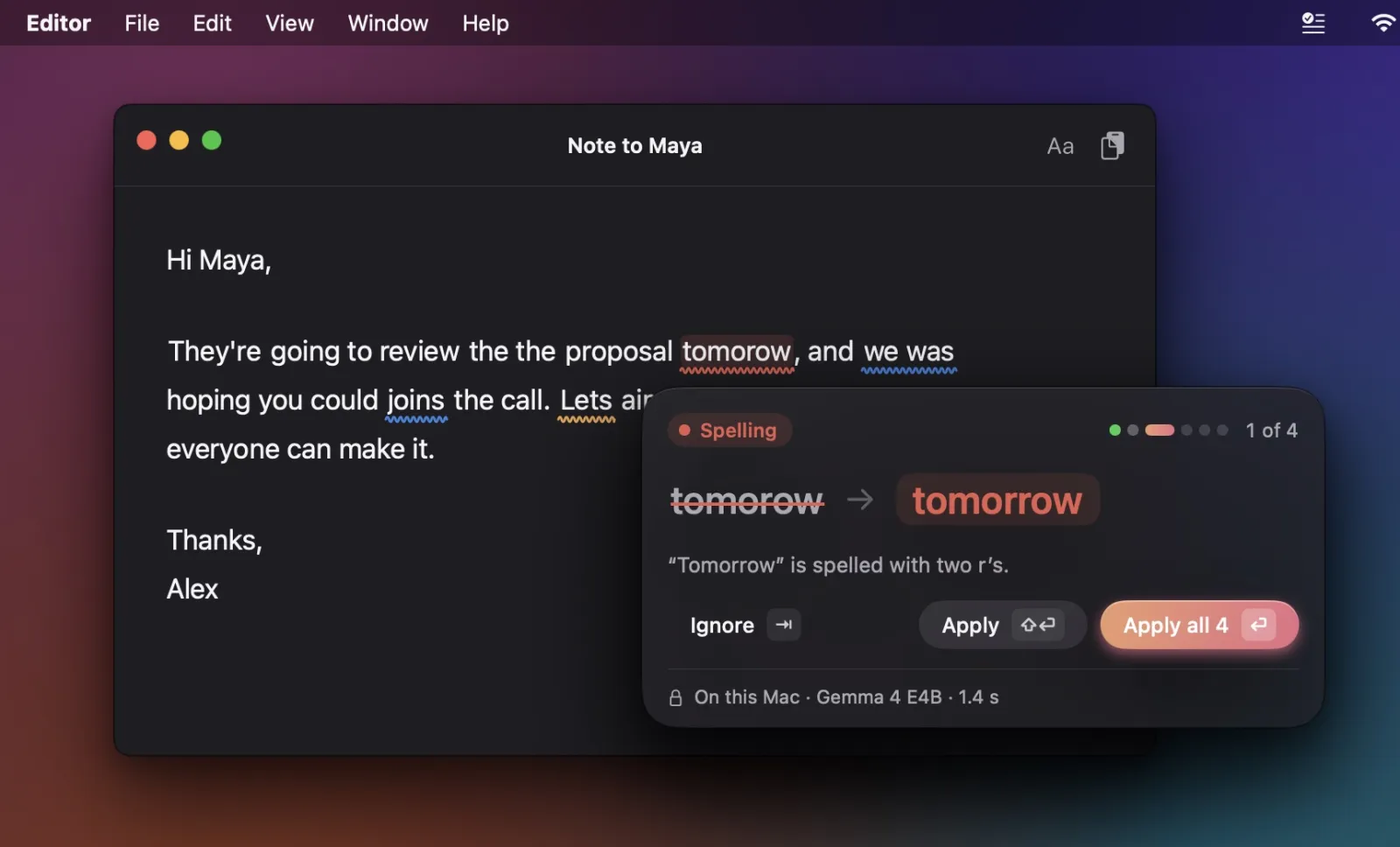
Meboki checks LibreOffice Writer like any other Mac app, with an AI model running on your Mac. Since version 1.0.7 it reads the whole document you see, not one paragraph at a time:
- Wavy underlines in every paragraph on screen, as you type.
- Click an underline to fix it, or press Return to apply every fix in the document; ⌘Z in Writer still undoes.
- Bulleted and numbered lists are handled; the list labels are never touched.
- An AI model reads each sentence as a whole, so it can fix mistakes that no rule describes.
- Nothing leaves your Mac, and it works offline.
It works alongside LibreOffice’s own spell check; turn off Lightproof if you don’t want two sets of underlines.
Does Grammarly work in LibreOffice?
Not officially. Grammarly’s list of supported apps doesn’t include LibreOffice, and its Office add-in is only for Microsoft Word and Outlook. The usual workaround is copying text into Grammarly’s editor and back, which loses formatting and sends the document to Grammarly’s servers.
Questions
Does LibreOffice have a grammar checker?
Yes, a basic one for English (Lightproof), off by default. Turn it on in Language Settings › Writing Aids. LanguageTool adds far more rules.
Is there a Grammarly plugin for LibreOffice?
No. Grammarly doesn’t support LibreOffice. LanguageTool and Meboki do.
Can I check LibreOffice documents offline?
Yes: with the built-in checker, with a local LanguageTool server or the WritingTool extension, or with Meboki, which runs an AI model on your Mac.
Sources
Facts about other products were checked on November 23, 2026. Prices and policies change; the linked pages are the final word.