Apps
Grammar checking in Slack on a Mac
Updated November 23, 2026
Slack checks spelling, not grammar. To catch “should of” and “their are” before you hit Return, you need a checker that works inside the Slack app. Here are the options, and how to keep work messages off someone else’s server.
What Slack does by itself
The Slack desktop app on Mac uses the macOS spell checker. Turn it on under your profile picture › Preferences › Language & region › Enable spellcheck on your messages, and pick languages in System Settings › Keyboard › Text Input. It underlines misspelled words in red. It doesn’t fix grammar or punctuation.
Grammarly in Slack
Grammarly has no Slack integration of its own; it works in the Slack desktop app through Grammarly for Mac, and in Slack on the web through its browser extension. It sends what you type to Grammarly’s servers for checking, which matters in a work chat full of customer names, incidents and plans. Some companies don’t allow it for that reason; see Is Grammarly safe?
Meboki in Slack
Meboki checks the Slack message box as you type, with an AI model that runs on your Mac. Nothing goes to a server, which keeps your workspace’s messages inside your workspace.
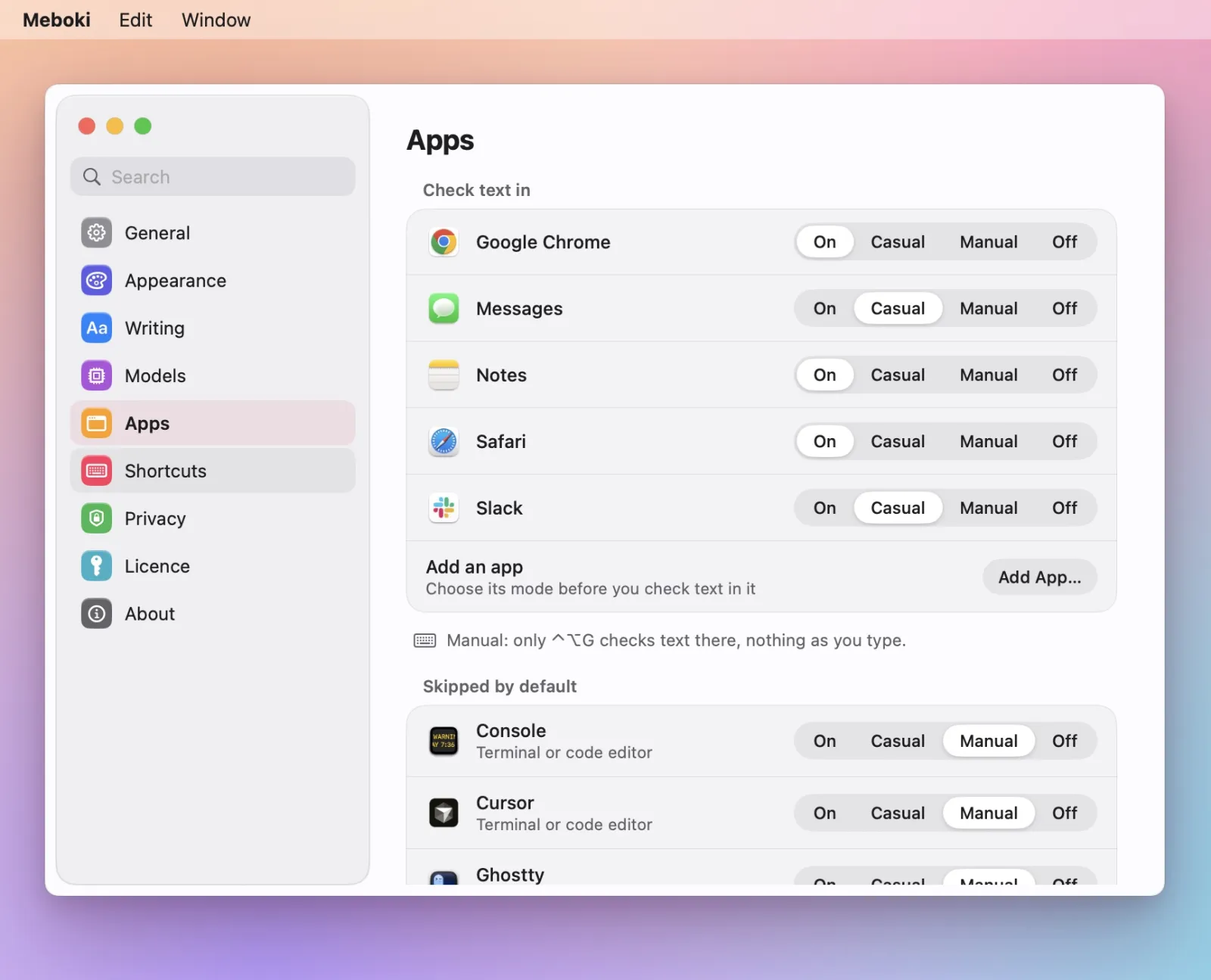
- Casual mode is on for Slack by default. Chat doesn’t need a capital letter and a full stop on every line, so Meboki leaves lowercase starts and missing final periods alone and fixes the real mistakes.
- @mentions, #channels, emoji, links and code stay exactly as written.
- A fix only changes the text in the message box. Nothing is sent until you send it, and ⌘Z in Slack still undoes a fix.
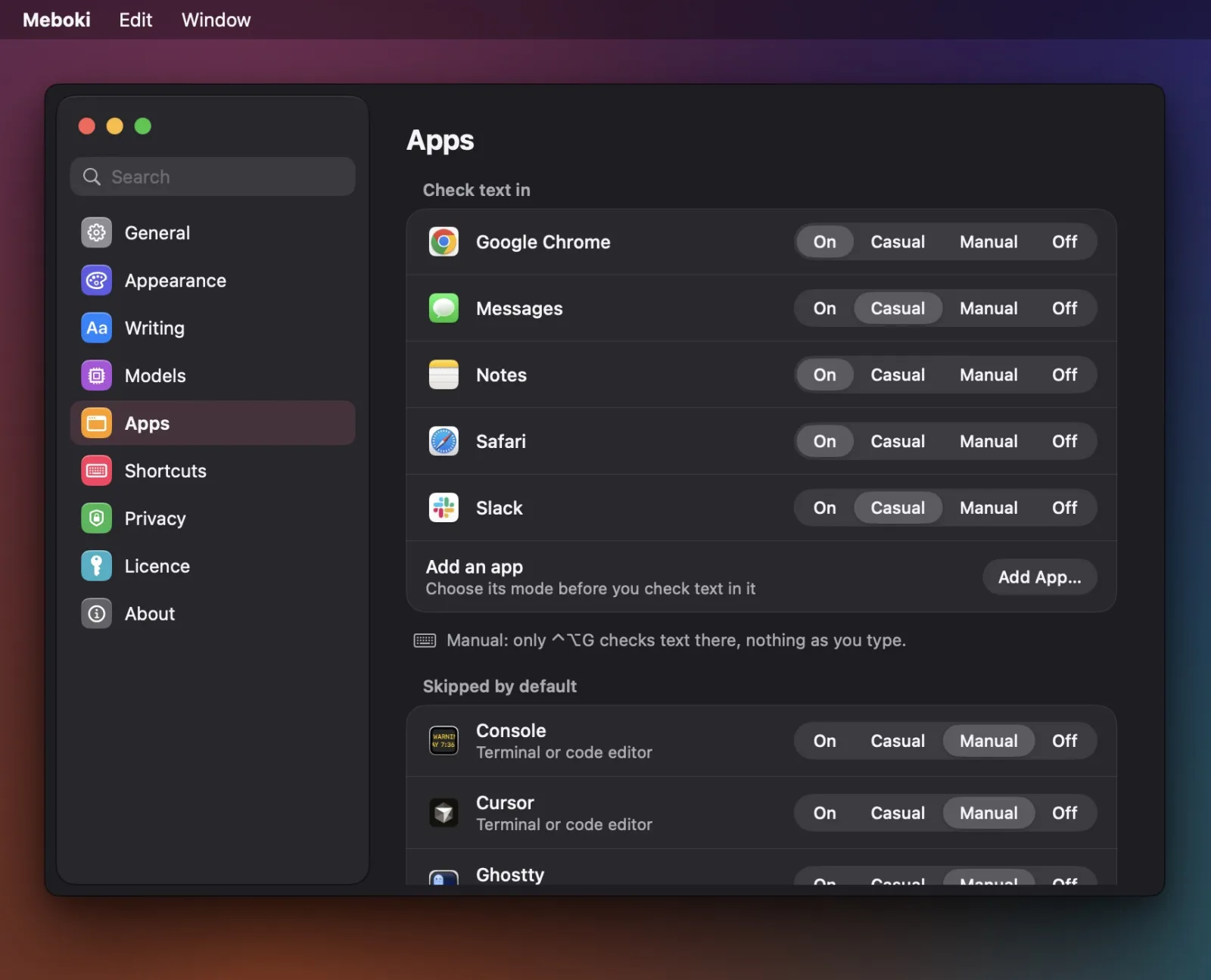
- Per-app control: set Slack to On, Casual, Manual (check only with ⌃⌥G) or Off in Settings › Apps.
The same goes for Discord, Messages, Telegram, WhatsApp and Teams, which also get casual mode by default.
Set it up
- Download Meboki and drag it to Applications.
- Open it and follow the welcome window: give Accessibility access and download the model.
- Type a message in Slack. Mistakes get a wavy underline after a short pause; click one to fix it.
Questions
Does Slack have a grammar checker?
No. Slack’s Mac app has spell check through macOS, but no grammar checking.
Does Grammarly work in Slack?
Yes, through the Grammarly desktop app or its browser extension for Slack on the web. Your messages are checked on Grammarly’s servers.
Will Meboki send a Slack message for me?
No. Applying a fix replaces text in the message box; sending stays up to you.
Does Meboki work in Slack in the browser?
Yes. Meboki checks Slack in Chrome and Safari too, as well as the desktop app.
Sources
Facts about other products were checked on November 23, 2026. Prices and policies change; the linked pages are the final word.