Compare
LanguageTool vs Grammarly (and a local option)
Updated November 23, 2026
LanguageTool and Grammarly are the two big cloud grammar checkers. LanguageTool wins on languages and has an open-source core; Grammarly wins on rewrites and polish. Both send your text to their servers. Here is how they compare, and where a local checker fits.
Side by side
| LanguageTool | Grammarly | Meboki | |
|---|---|---|---|
| Languages | 30+ languages and dialects | English | English (US, UK) |
| Where text is checked | LanguageTool’s servers (or your own server) | Grammarly’s servers | On your Mac |
| Offline | Only with a self-hosted server | No | Yes |
| Free plan | 2,000 characters per check, basic rules | Basic fixes, 100 AI prompts | 7-day trial, then free hotkey mode |
| Paid | Premium subscription | Pro: $30/month or $144/year | $39 once per Mac |
| Open source | Core engine, LGPL-2.1 | No | Yes, GPL-3.0 |
| Mac | Mac app, browser extensions | Mac app, browser extensions | Mac app (Apple Silicon) |
| Windows, phones | Yes | Yes | No |
LanguageTool: strengths and limits
LanguageTool checks more than 30 languages and dialects, which no English-only tool can match. Its core engine is open source (LGPL-2.1, on GitHub), and you can run that engine as your own server, so text stays on your machine; the self-hosted version has no AI-based rules and needs Java. LibreOffice can talk to a LanguageTool server directly.
The free plan checks up to 2,000 characters at a time. Premium raises that to 150,000, adds thousands of extra rules, a style guide and unlimited paraphrasing, and comes with a 14-day money-back guarantee. LanguageTool belongs to Learneo, which also owns QuillBot; its privacy policy says it doesn’t use LanguageTool users’ input to train models.
Grammarly: strengths and limits
Grammarly’s English suggestions go further than LanguageTool’s: full-sentence rewrites, tone, clarity and generative AI, with apps for Mac, Windows, iOS and Android. It is cloud-only, needs an account and an internet connection, and on personal plans may use your writing to improve its models unless you opt out. More in Is Grammarly safe? and Grammarly cost.
Which to pick
- You write in several languages: LanguageTool.
- You want rewrites, tone and AI drafting in English, on every device: Grammarly.
- You want English fixed in your Mac apps without sending text anywhere, and without a subscription: Meboki.
- You want local and free, and can live with rules: a self-hosted LanguageTool server or Harper.
Where Meboki fits
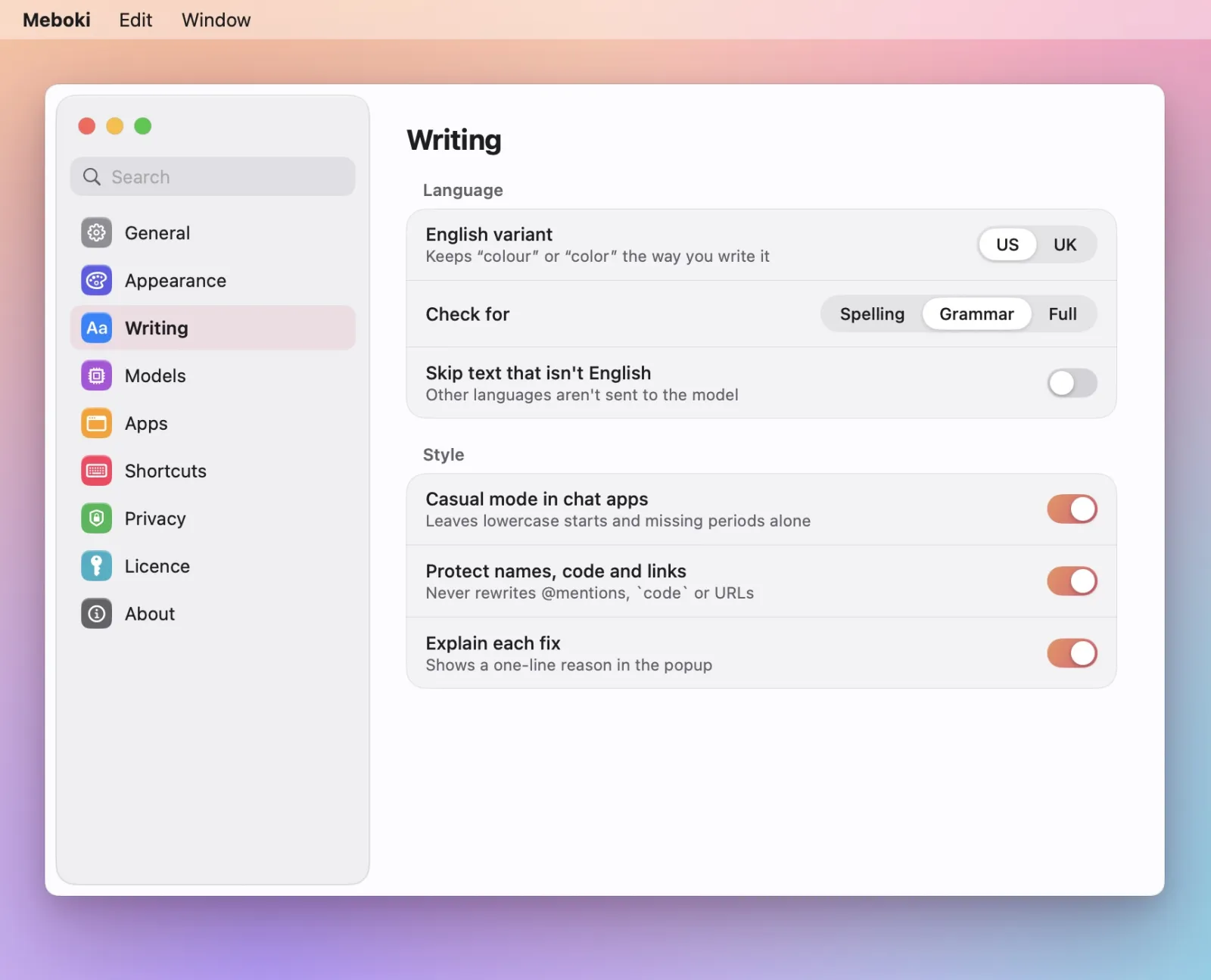
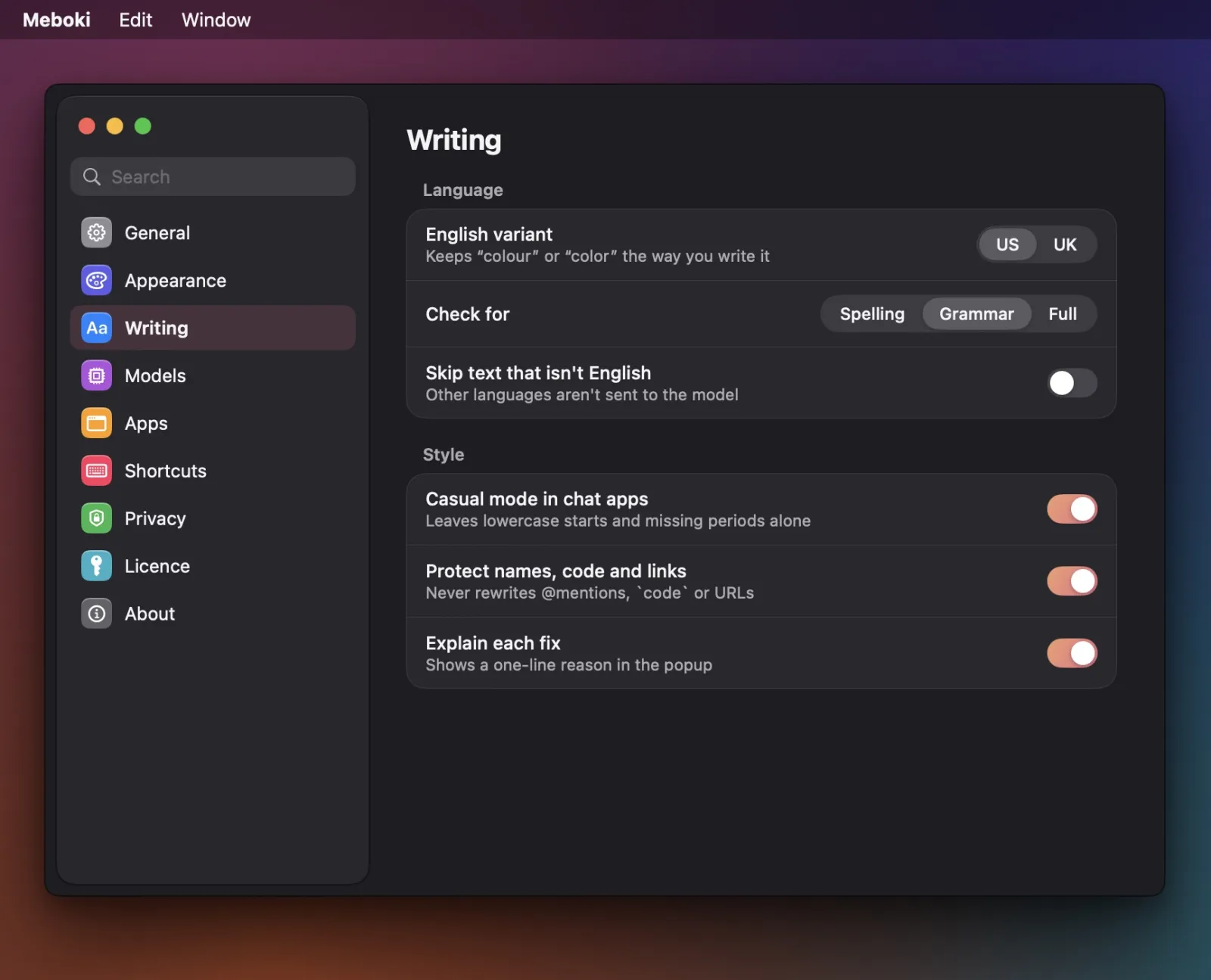
Meboki runs an open-source AI model on your Mac and underlines mistakes as you type in Mail, Slack, Notion, Safari, Chrome, Google Docs, Pages and LibreOffice. Being a language model, it reads the whole sentence rather than matching rules, so it can catch context mistakes that no rule describes, with no server, account or internet. It is English only and Mac only.
Questions
Is LanguageTool better than Grammarly?
For languages other than English, yes. For English rewrites and tone, Grammarly goes further. For privacy, neither keeps your text local unless you self-host LanguageTool.
Is LanguageTool free?
There is a free plan (2,000 characters per check) and a paid Premium plan. The open-source engine is free to run yourself.
Can LanguageTool work offline?
Only if you run the open-source LanguageTool server on your own computer. The free and Premium apps check in the cloud.
Does Meboki check other languages?
Not yet. Meboki checks English (US or UK) and can skip text in other languages.
Sources
Facts about other products were checked on November 23, 2026. Prices and policies change; the linked pages are the final word.