Compare
Harper grammar checker vs Meboki
Updated November 23, 2026
Both check your English on your own computer and send nothing to a server. Harper does it with hand-written rules in milliseconds; Meboki does it with a small AI language model that reads the whole sentence. Here is what that means in practice.
What Harper is
Harper is an open-source grammar checker made by Automattic, the company behind WordPress.com. It is written in Rust, licensed Apache-2.0, and checks text with rules rather than a language model. Its site puts it plainly: “Every check happens locally. No cloud round-trips, no telemetry, no LLM in the loop.”
Because it is rules, it is very fast (the site says suggestions arrive in under 10 ms) and very light. It is free, needs no account, and runs in many places: browser extensions for Chrome, Edge and Firefox, Obsidian, VS Code, Neovim, Zed and other editors through its language server, WordPress, and a macOS desktop app that checks text fields system-wide (marked as beta on its site at the time of writing). It checks English, with American, British, Canadian, Australian and Indian variants.
What Meboki is
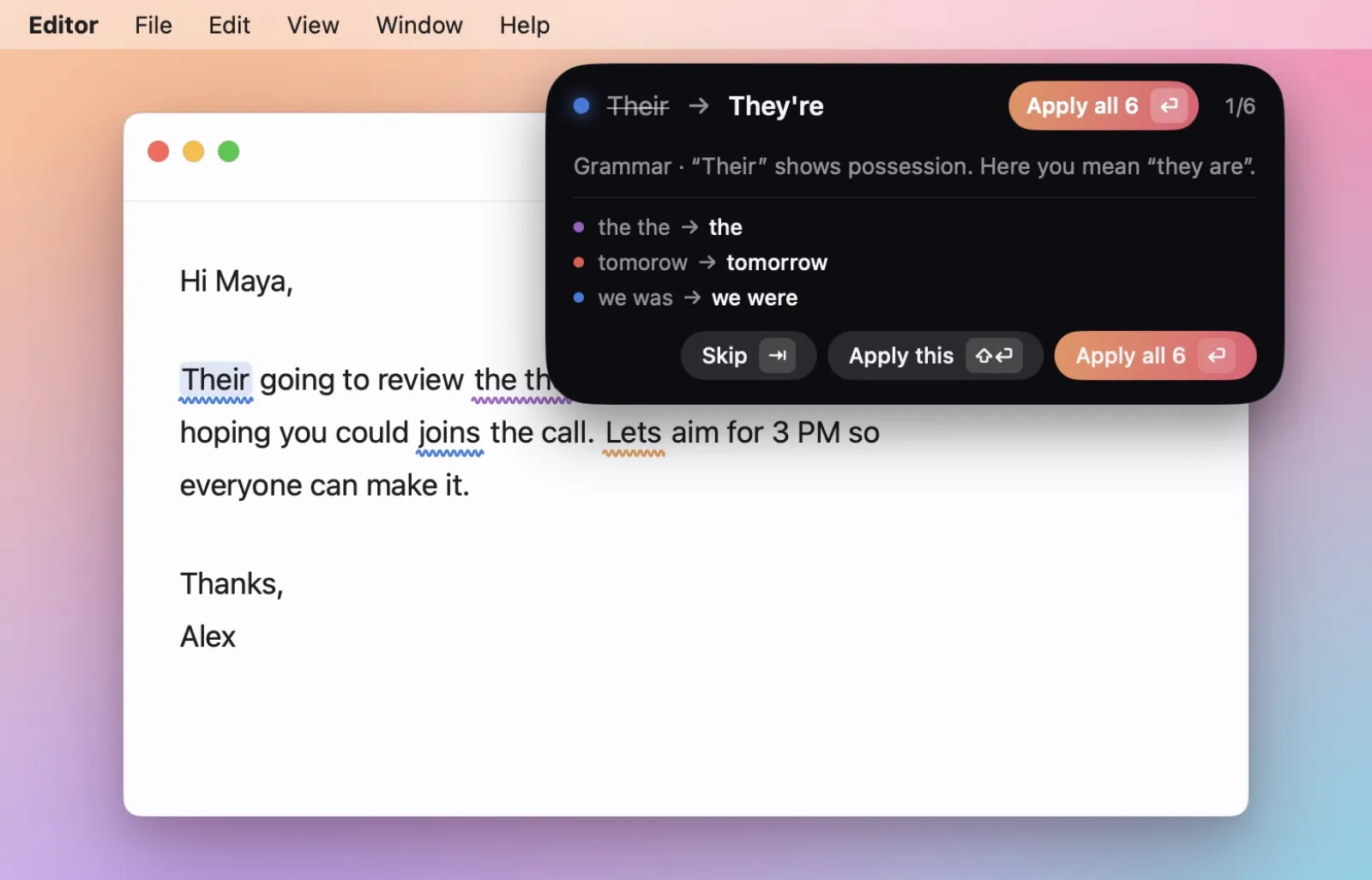
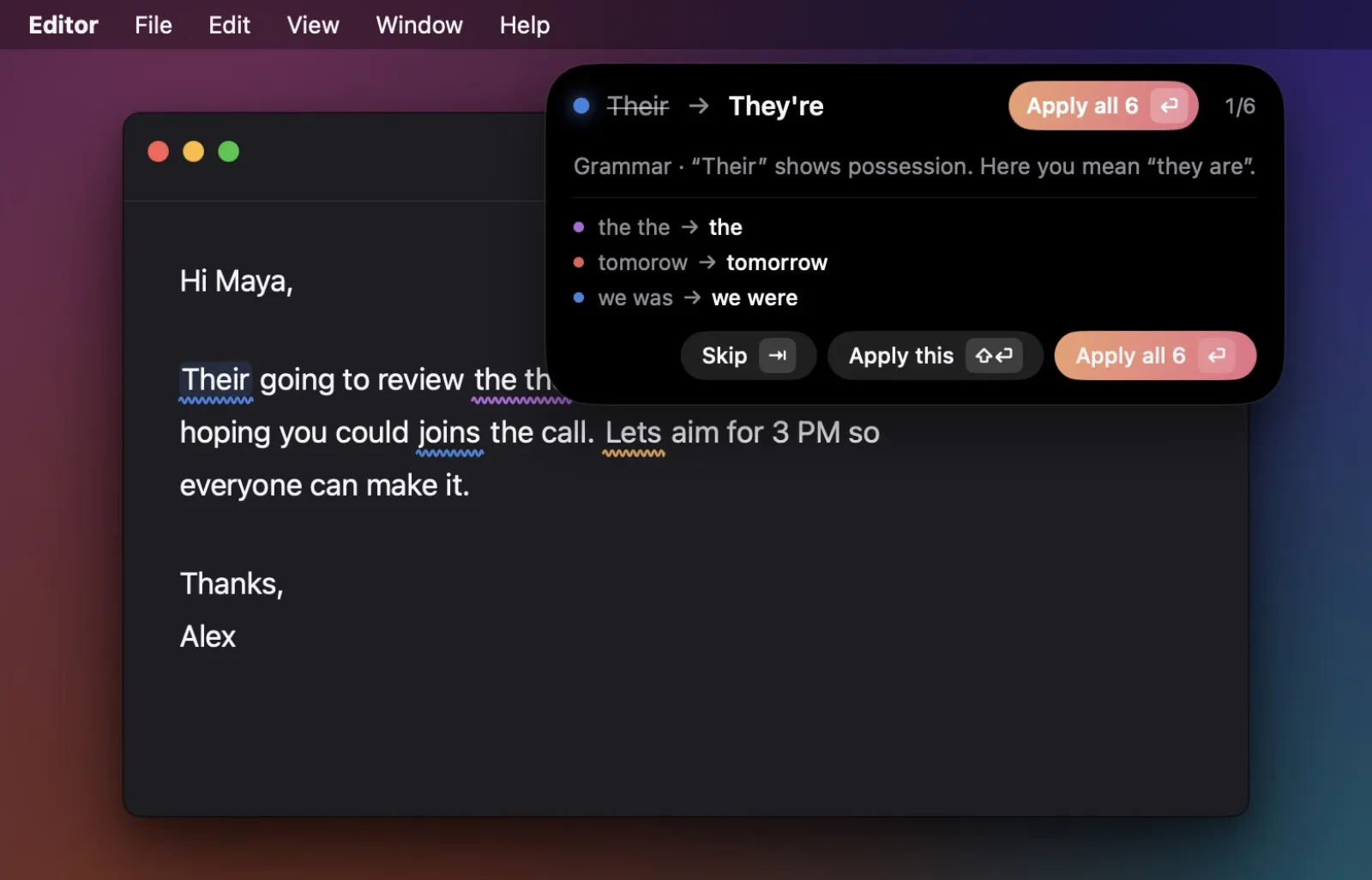
Meboki is a grammar checker for the Mac that runs an open-source AI model (Google’s Gemma 4 by default) on your Mac through a bundled llama.cpp server. It underlines mistakes as you type in Mail, Slack, Notion, Chrome, Safari, Google Docs, LibreOffice and other apps, and fixes them from a small card with one key. Nothing leaves your Mac unless you add your own cloud API key. The source is GPL-3.0.
Side by side
| Harper | Meboki | |
|---|---|---|
| How it checks | Hand-written rules | A local AI language model (Gemma 4, Qwen or Llama) |
| Where it runs | On your device | On your Mac; optional cloud with your own key |
| Speed | Milliseconds | About a second per paragraph on Apple Silicon |
| Memory and disk | Small | A 2.7–4.9 GB model, up to ~5 GB of memory while loaded (unloaded when idle) |
| Platforms | Browsers, editors, WordPress, macOS (beta) | macOS 14+ on Apple Silicon only |
| Languages | English (US, UK, CA, AU, IN) | English (US, UK) |
| Price | Free | Free 7-day trial and free hotkey mode; $39 once for the automatic check |
| License | Apache-2.0 | GPL-3.0 |
Rules vs a language model
A rule catches the pattern it was written for, every time, instantly, and never invents anything. That makes Harper predictable and cheap to run. The limit is coverage: a mistake that no rule describes goes through, and fixes that depend on meaning (which word you meant, how a long sentence hangs together) are hard to write as rules.
A language model reads the sentence as a whole, so it can fix mistakes no one wrote a rule for: a wrong word that is spelled correctly, a tense that doesn’t match the rest of the sentence, a missing word. The costs are speed, memory, and the risk of changing something that was already right. Meboki works against that last one: it keeps names, @mentions, URLs, code and emoji exactly as written, has a casual mode for chat, and is tested against a set of correct sentences that must come back unchanged.
Which one to pick
- Pick Harper if you want something free, instant and tiny, you write in a browser or a code editor, you use Windows or Linux, or your Mac has little memory to spare.
- Pick Meboki if you want fixes that understand the sentence, in every Mac app you write in, with underlines and one-key fixes, and you have an Apple Silicon Mac with 8 GB or more.
- Use both if you like: they don’t conflict. You can set Meboki to check only when you press ⌃⌥G and let Harper underline as you type.
Questions
Is Harper free?
Yes. Harper is free and open source under Apache-2.0, with no account.
Does Harper use AI?
No. Harper checks with hand-written rules; its site says there is “no LLM in the loop”. Meboki uses an AI language model that runs on your Mac.
Does Harper work on Mac?
Yes, through browser extensions, editor plugins, and a desktop app for macOS 14 or later that its site marks as beta.
Do Harper and Meboki send my text anywhere?
Neither does by default. Both check on your computer. Meboki can use a cloud model only if you add your own OpenRouter or OpenAI key.
Sources
Facts about other products were checked on November 23, 2026. Prices and policies change; the linked pages are the final word.