Privacy
Is Grammarly safe?
Updated November 23, 2026
Short answer: Grammarly is a legitimate company with serious security certifications, and it is not malware. But it works by sending what you write to its servers, keeps documents until you delete them, and on some plans may use your text to improve its models unless you opt out. Whether that is “safe” depends on what you write.
What Grammarly reads
To check your writing, Grammarly has to read it. On a Mac, Grammarly for Mac asks for Accessibility access, the macOS permission that lets an app read and change text in other apps’ fields. Its browser extension reads text fields on the pages where it is active. Grammarly says it reads text only where you are actively using it, and skips password and card fields “on a best-efforts basis”.
Where your text goes
Grammarly checks text in the cloud. According to its security page, data is hosted on Amazon Web Services in the US, encrypted with TLS 1.2 in transit and AES-256 at rest. Documents you write in the Grammarly editor are kept until you delete them; other data is kept “as long as necessary to provide our products”.
Grammarly says it does not sell or monetize user content. Its privacy policy notes that some advertising data sharing may count as “selling” under certain privacy laws, so “doesn’t sell your writing” is the accurate way to put it.
Does Grammarly train AI on your writing?
It depends on the plan. Grammarly’s help center says:
- Free, Premium and single-user Pro: your content may be used to improve its models by default. You can turn it off in your account’s privacy settings.
- Multi-user Pro bought on the website: on by default, and only the admin can turn it off.
- Enterprise, Business, Education and plans bought through sales: off by default.
If you are on a personal plan and don’t want your writing used for training, open account.grammarly.com, go to the privacy settings, and switch the product-improvement option off.
Security record and certifications
Grammarly lists SOC 2 Type 2, SOC 3 and ISO 27001, 27017, 27018, 27701 and 42001 on its security page, and offers HIPAA business associate agreements on Enterprise plans only.
Its best-known incident was in February 2018, when Google Project Zero researcher Tavis Ormandy found that the browser extension exposed login tokens to any website, which could have let a site read a user’s Grammarly documents. Grammarly fixed it within hours and said it found no sign it was exploited.
Is Grammarly a keylogger?
No, not in the malware sense. Grammarly’s own answer is “No”: it says it can’t access what you type unless you are using a Grammarly product. But by design it reads the text in fields where it is active and sends it off for checking, which is why some security teams treat it like one. Any as-you-type checker, Meboki included, needs to read your text. The question is where that text goes next.
Why some employers block it
Some organizations limit Grammarly for sensitive work. NASA lists it among apps not approved for agency devices; the University of Missouri System stopped staff using the Free and Premium plans over privacy and security concerns, allowing only its managed Education licence; University College Dublin tells staff to turn it off for high-risk data. These are policies about sending confidential text to a third party, not findings that Grammarly is malicious.
If your company has a policy, follow it. If it is your own call, a good rule: anything you wouldn’t paste into a web form shouldn’t go through a cloud checker.
A grammar checker that never sends your text
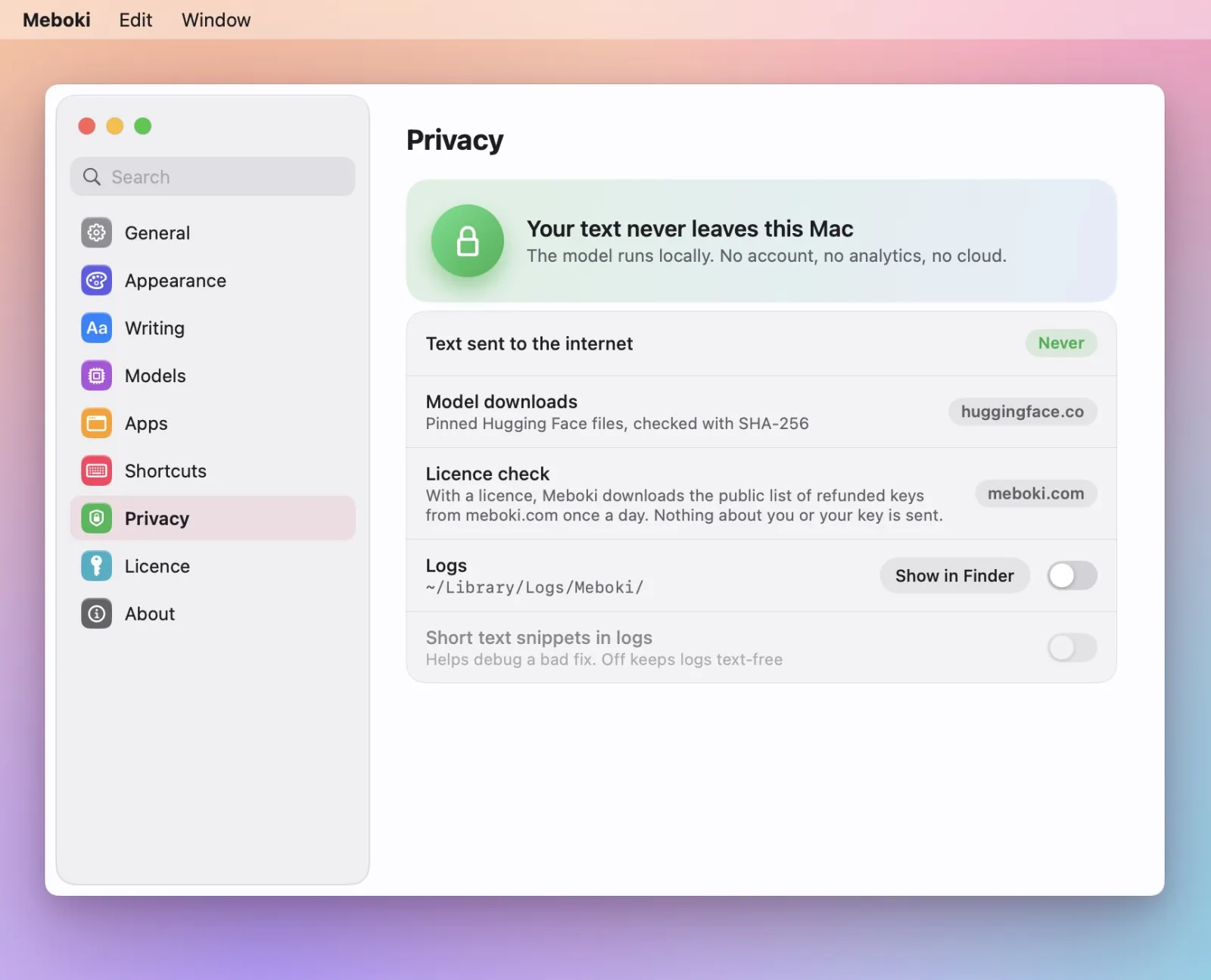
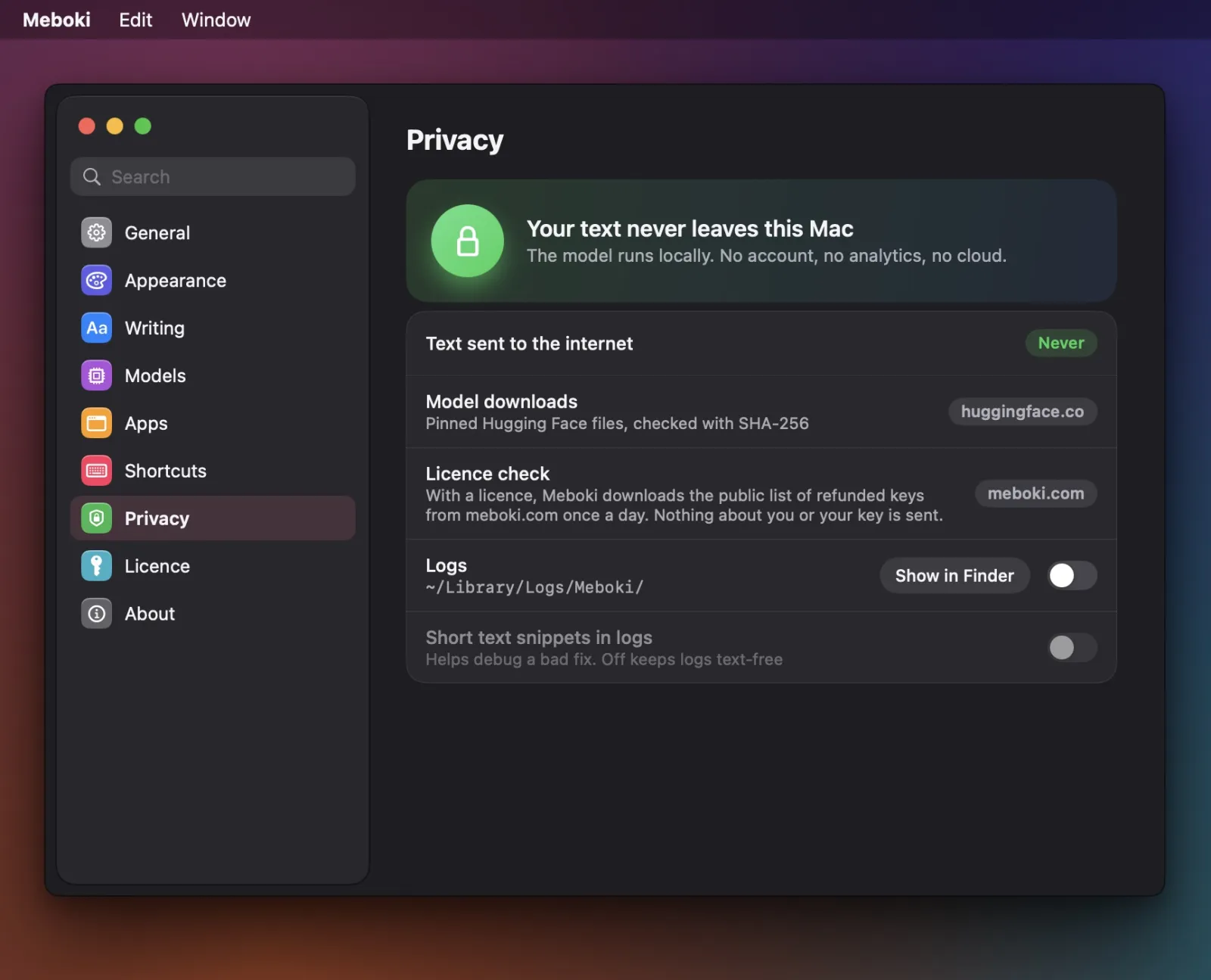
Meboki takes the other route. It needs the same Accessibility access to read the field you are typing in, but it checks the text with an AI model running on your Mac, through a llama.cpp server bound to 127.0.0.1. Nothing is uploaded, there is no account and no telemetry, logs are off by default, and it works with Wi-Fi off. Secure password fields are never read. The source is GPL-3.0, so anyone can check these claims.
An optional cloud mode exists for people who want it: it stays off until you save your own OpenRouter or OpenAI key and press Use, and the app shows when text leaves your Mac.
Questions
Is Grammarly safe for confidential documents?
Grammarly encrypts data and holds strong certifications, but your text is processed and stored on its servers. Many legal, medical and government teams don’t allow that for confidential material. A local checker such as Meboki keeps the text on your Mac.
Does Grammarly store my text?
Documents in the Grammarly editor are kept until you delete them. Other data is kept as long as Grammarly says it needs it to run its products; no fixed period is given.
Can Grammarly see my passwords?
Grammarly says it skips password and card fields on a best-efforts basis. Meboki never reads secure password fields, and password managers are skipped by default.
Does Grammarly need Accessibility access on Mac?
Yes. Grammarly for Mac needs it to read and edit text in other apps. So does Meboki, for the same reason; the difference is that Meboki checks the text on your Mac.
Sources
Facts about other products were checked on November 23, 2026. Prices and policies change; the linked pages are the final word.
- Grammarly: Security
- Grammarly: Privacy and security FAQ
- Grammarly: Trust center
- Grammarly: Product improvement and training settings
- Grammarly: Is Grammarly a keylogger?
- Grammarly: Accessibility access on Mac
- Grammarly: Is Grammarly HIPAA compliant?
- TechTarget: Grammarly vulnerability exposed user documents (2018)
- FedScoop: The software you can’t use at NASA
- University of Missouri System: Grammarly for Education
- UCD: Grammarly usage guidelines (PDF)